The complete guide
Setting up automatic bedtime programs on an app-controlled sound machine
An app-controlled sound machine is only genuinely useful if the automation actually gets used, so it's worth setting the schedule up properly the first time rather than leaving it running on manual forever.
Start with your real schedule, not an ideal one
Before opening the app, write down what actually happens most nights: what time your baby usually goes down, roughly when they wake for a feed if applicable, and your general morning wake time. Program the schedule around these real times rather than the schedule you're aiming for, you can always adjust it gradually as sleep patterns shift, but starting from an unrealistic schedule just means overriding it manually most nights anyway.
Let the light do more of the work than you'd expect
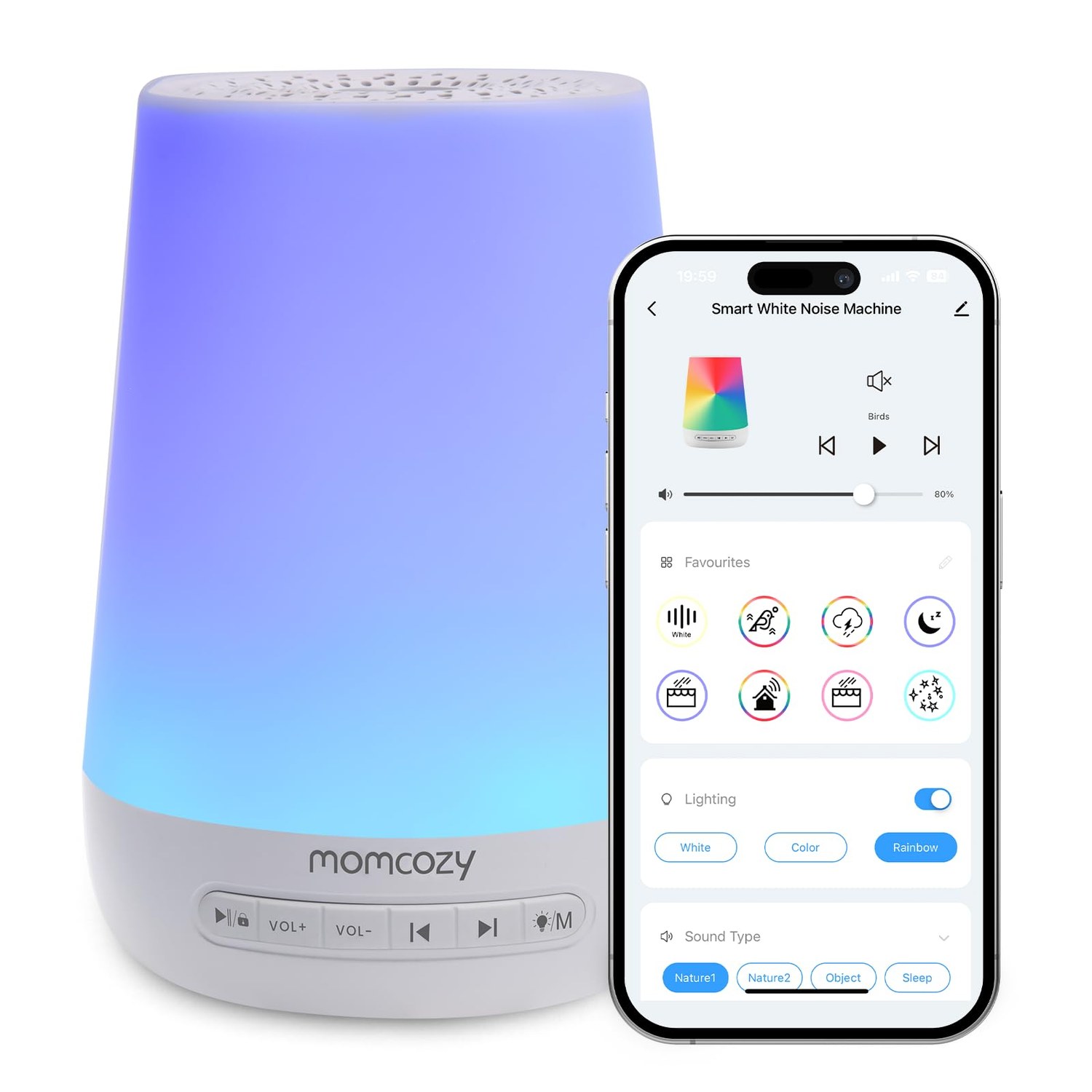
Because the lamp and sound are both controllable through the same programs, you can build a genuine two-stage wind-down: a warm, dim light color that activates 15 to 20 minutes before your target bedtime as a visual cue, followed by the sound starting at the actual bedtime itself. This staged approach tends to work better than everything switching on at once.
Keep manual control as your fallback, not your first instinct
It's tempting to reach for your phone every time you want to adjust something, but the on-device soft-touch controls exist specifically so you don't have to. Reserve the app for setup, schedule changes, and the occasional remote adjustment (checking on a nap from another room, for instance), and use the physical controls for routine day-to-day tweaks. This also means the machine keeps working exactly as expected if your phone is elsewhere or its battery is dead.
Revisit the schedule as sleep patterns change
A newborn's schedule looks nothing like a one-year-old's, so treat the automated program as something to revisit every few months rather than a one-time setup. A five-minute adjustment in the app each time your baby's routine shifts keeps the automation actually matching reality instead of becoming background noise you've learned to override.