The complete guide
Connecting your phone and mixing your own sound library
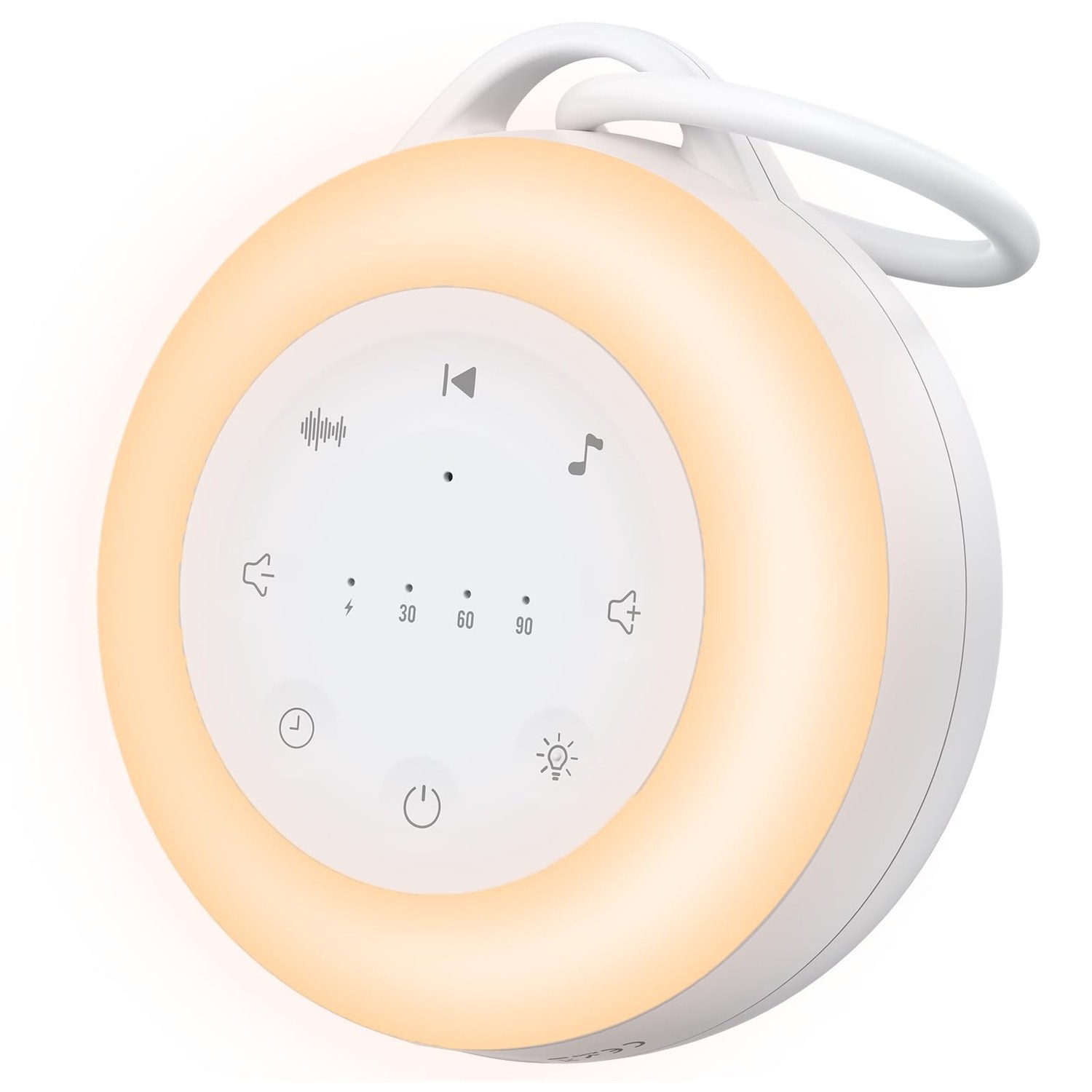
Having a wireless connection on a sound machine is only useful if you actually know what to do with it, so here's a practical way to think about combining built-in sounds with your own audio.
Start with the built-in library first
24 sounds is enough range that most babies find something that works without ever needing to connect a phone. Spend the first week or two using only the built-in options, white noise and steady fan sounds tend to be the most reliably effective starting points, before assuming you need something more specific from an external source.
When the wireless connection actually earns its place
The clearest case for connecting your phone is when you've found one specific sound elsewhere, a longer, non-looping white noise recording, a particular nature soundscape, or a specific lullaby album, that isn't in the built-in 24. Rather than switching to a different machine entirely, the wireless connection lets you layer that one preference onto a device you already own.
Keep the phone itself out of the room once it's playing
The practical downside of any phone-connected sound machine is the temptation to check the phone once it's in the room. Start the audio, then leave the phone on silent in another room if possible, or at minimum face-down and on do-not-disturb, so the convenience of wireless streaming doesn't turn into a screen sitting on the nightstand.
Battery life means you rarely need to think about charging
With over 30 hours from a single charge, this isn't a machine that needs daily plugging in. A weekly top-up, done during the day rather than overnight, should comfortably keep it ready whenever you need either the built-in sounds or the wireless connection.